Website Speed Optimization UAE: How to Fix Slow Loading (2026)
A slow website in the UAE doesn't just frustrate visitors it actively destroys your Google rankings and conversion rate simultaneously. Google uses Core Web Vitals as a ranking factor, and UAE users have high expectations shaped by world-class apps. Here's what actually causes slow loading and the exact fixes, ranked by impact.
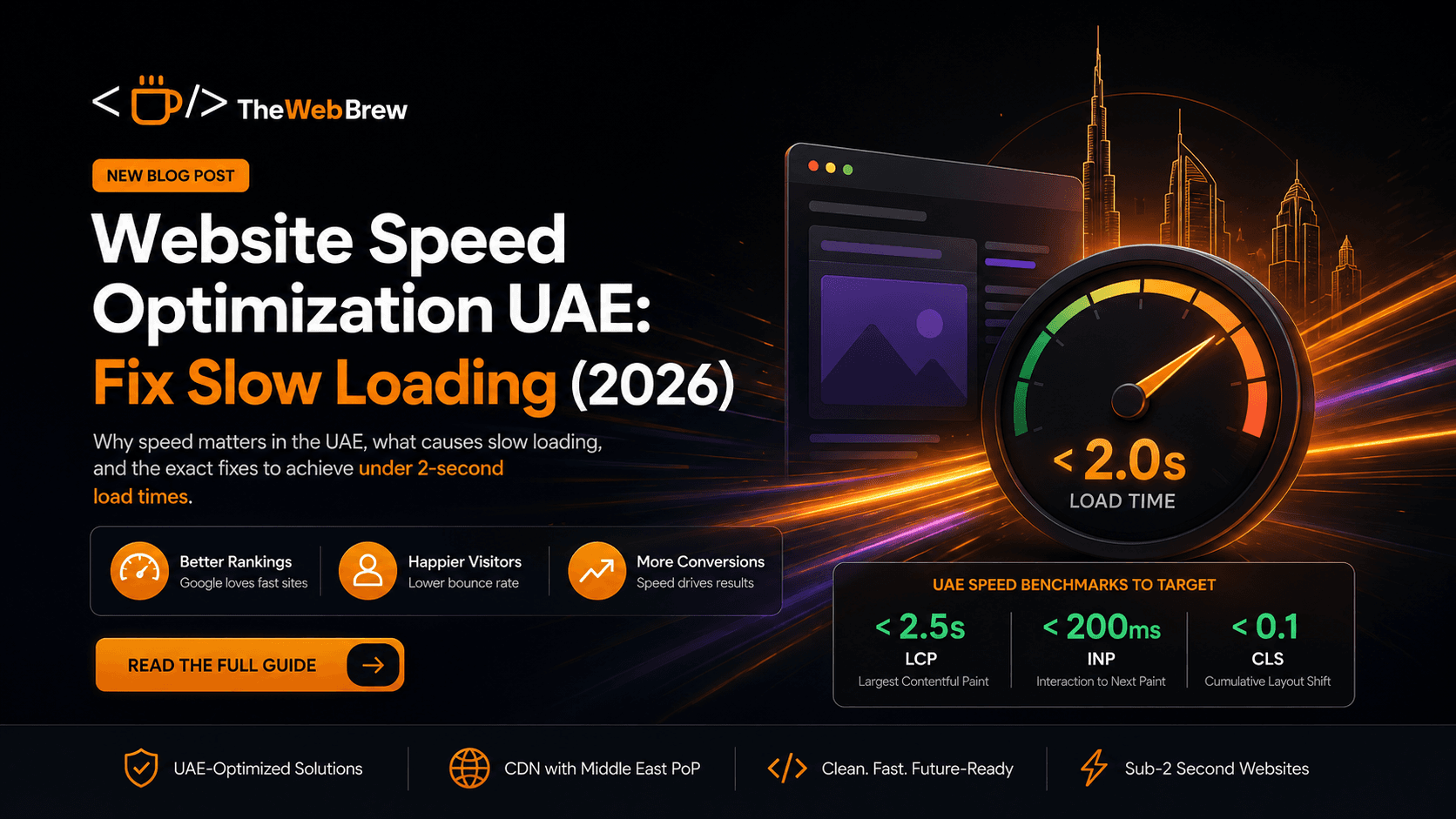
UAE speed benchmarks to target
< 2.5s
LCP
Largest Contentful Paint
< 200ms
INP
Interaction to Next Paint
< 0.1
CLS
Cumulative Layout Shift
Speed fixes ranked by impact
Image optimisation
CriticalTypical improvement: 40–70% size reduction
Images are the single largest contributor to slow page loads in the UAE. Convert all images to WebP format (30–50% smaller than JPEG at equivalent quality). Add explicit width and height attributes to every image element. Use lazy loading for below-the-fold images. For hero images, serve a compressed version for mobile (max 800px wide) and a higher resolution for desktop.
CDN with Middle East PoP
CriticalTypical improvement: 200–600ms latency reduction
If your website is hosted in London or the US, every UAE visitor's request has to travel thousands of kilometres before returning a response. A CDN with a Point of Presence in the UAE, Bahrain, or KSA (Cloudflare has a Dubai PoP; AWS CloudFront has ME-Central in UAE) can cut latency by 200–600ms. For most UAE websites, adding a CDN is the single biggest speed improvement available.
Eliminate render-blocking JavaScript
HighTypical improvement: 0.5–2s LCP improvement
Third-party scripts live chat widgets, analytics, marketing pixels, cookie banners block the browser from rendering your page content until they load. Audit your JavaScript with Chrome DevTools Coverage tab. Defer non-critical scripts with `async` or `defer` attributes. Load heavy third-party tools (HubSpot, Intercom) after user interaction rather than on page load.
Optimise web fonts
MediumTypical improvement: 100–400ms improvement
Custom fonts can add significant load time if not handled correctly. Use `font-display: swap` so text is visible while custom fonts load. Self-host fonts rather than loading from Google Fonts (saves a DNS lookup). Preload your primary font file. For Arabic fonts Cairo, Tajawal ensure you only load the Arabic character range if Arabic users are a minority of traffic.
Use next-gen hosting infrastructure
HighTypical improvement: 200–800ms TTFB improvement
Shared hosting is cheap and slow. For UAE business websites, use Vercel, Netlify, or AWS with Next.js or React these platforms automatically optimise static assets, serve from CDN edge nodes, and handle image optimisation automatically. If you're on WordPress, consider Kinsta or WP Engine with UAE-optimised server configurations.
Database and server-side caching
MediumTypical improvement: Variable high for dynamic sites
WordPress and dynamic websites that query a database on every page load are inherently slower than statically generated pages. Implement page caching (WP Rocket for WordPress, Next.js static generation for React apps) so most pages are served as pre-built HTML rather than dynamically generated on each request. This is the difference between 50ms and 500ms server response times.
Related reading
Fix your UAE website's speed today
TheWebBrew audits and rebuilds UAE websites for speed targeting sub-2-second load times with Next.js, CDN, and image optimisation as standard.
Get a Speed Audit